
Baqati
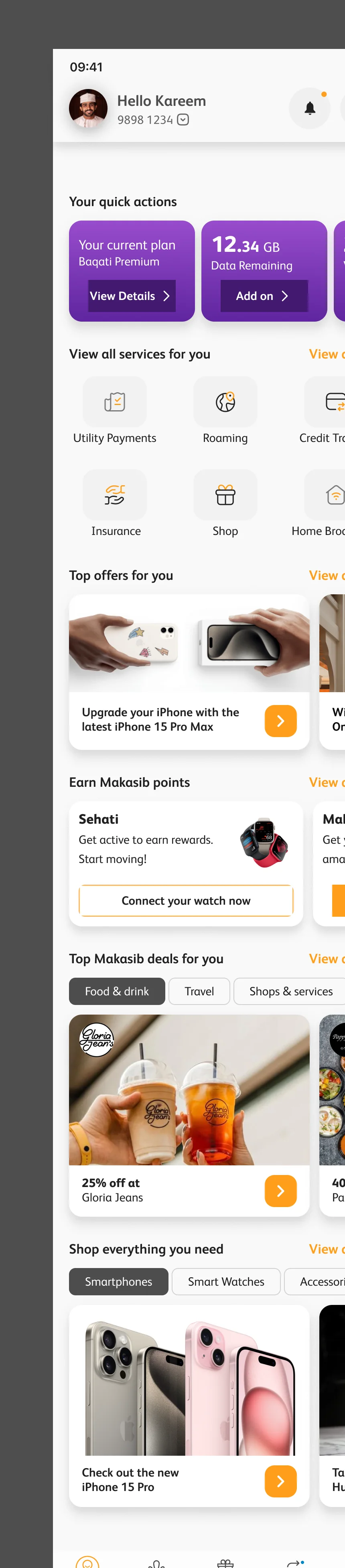
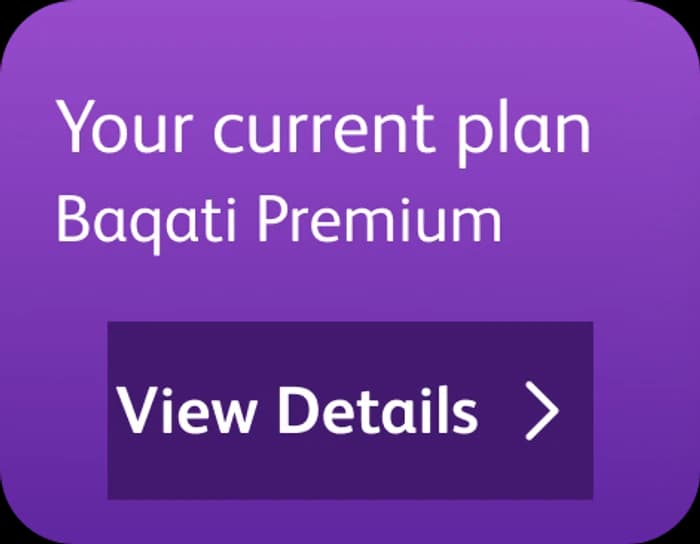
Plan, data, minutes, the bill and roaming, all before the first scroll.
Loading Mowgoud.
Getting everything ready before you enter.
One app for every kind of Omantel customer. The super app’s home, its four tiers, its sign-in and top-up flows, and the design system underneath them.
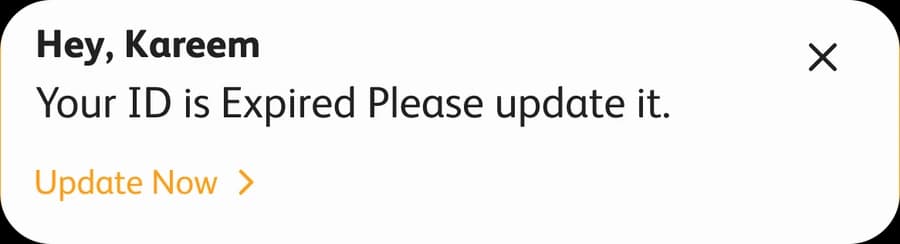
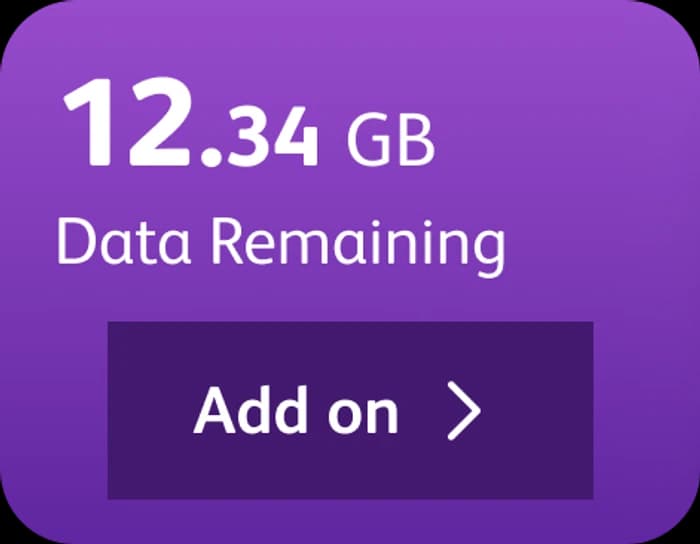
Nobody opens a telco app to browse. They open it to do one thing: see what is left, top up, pay the bill, switch on roaming. The design starts with that one thing and puts it first.
Omantel’s customers do not share one relationship with the company. Some pay a monthly plan, some top up a prepaid line, some only know it as the router at home. The super app had to welcome all of them on the same home screen, and not make any of them dig for the thing they came to do.
This page is the work as it stands in the design files: the home page and its tier variants, the sign-in and top-up flows mapped end to end, and the design system underneath, from colour tokens to the smallest tab. The cards floating out of the phones are the real components, lifted out of the screens.
Baqati, Hayyak, HBB and Nama share one layout, one component set and one order of sections. What changes is the first row. Each tier opens on its own colour and its own quick actions, because a prepaid line needs its balance and a Top up button, and a home broadband account needs its bill.
Plan, data, minutes, the bill and roaming, all before the first scroll.
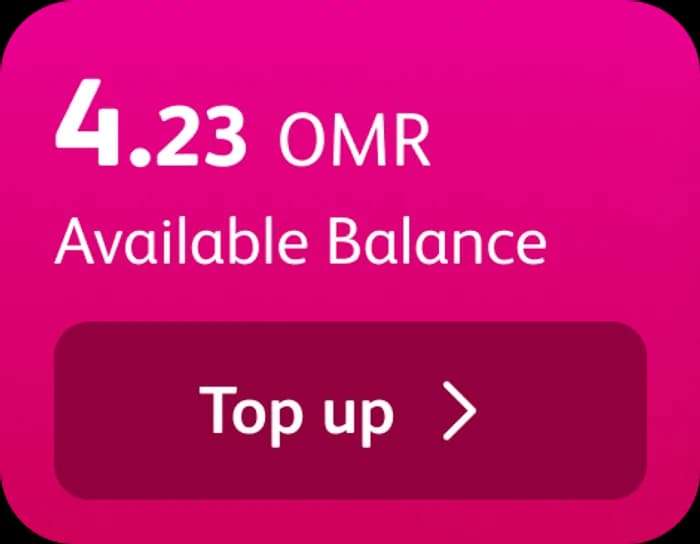
Prepaid first: the available balance and its Top up button sit in the first row.
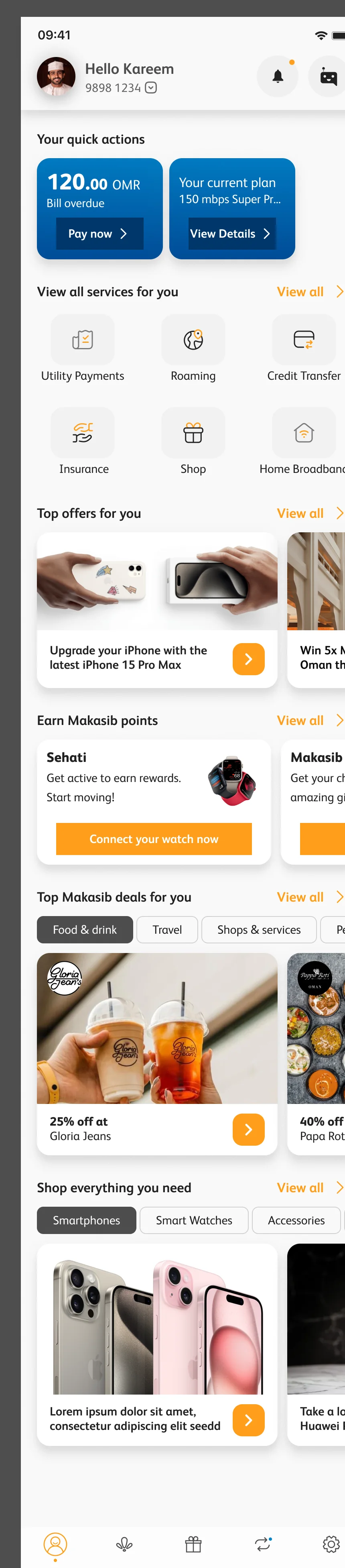
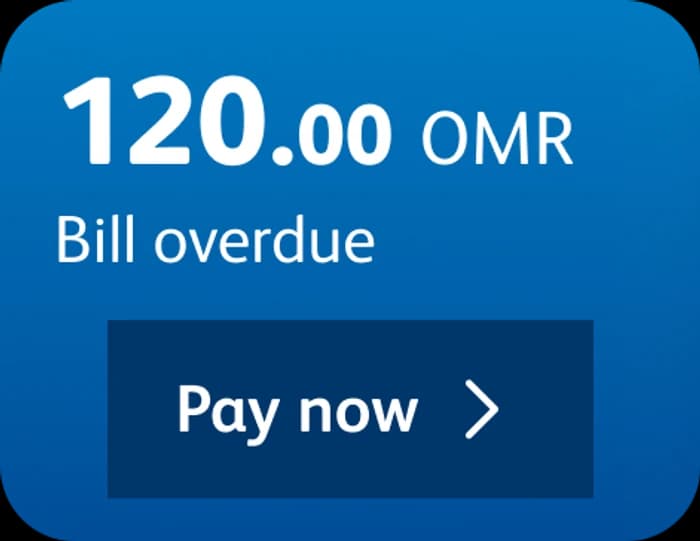
Home broadband gets two cards and no more: the bill and the speed of the plan.
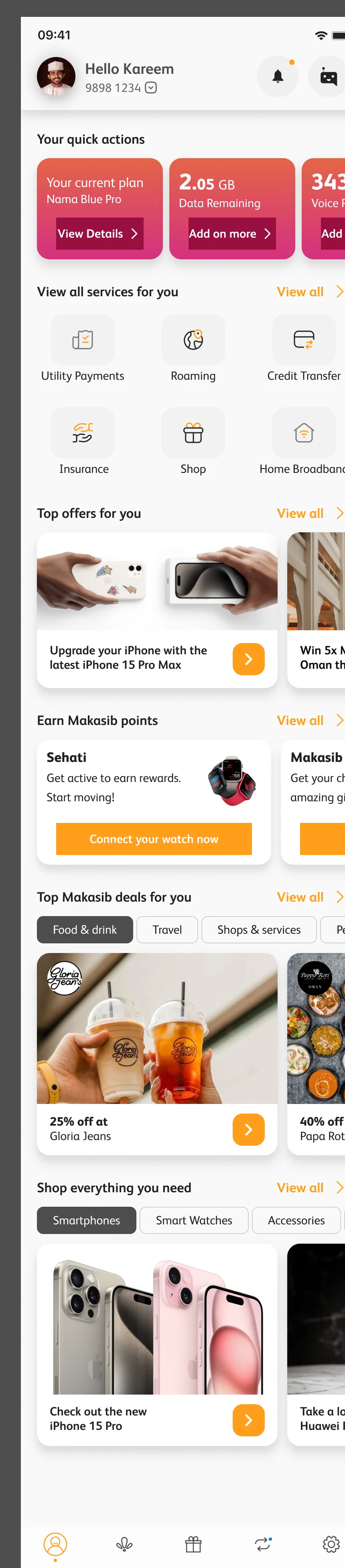
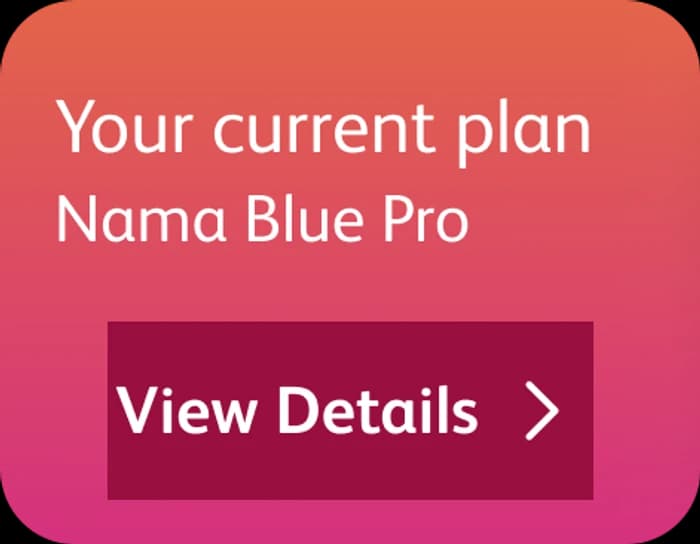
A plan, data and minutes, a bill to pay and a balance to top up, in a warm coral.
Every section answers a question, in the order people ask it. Scroll the notes and the phone follows; the part in question comes out of the screen.

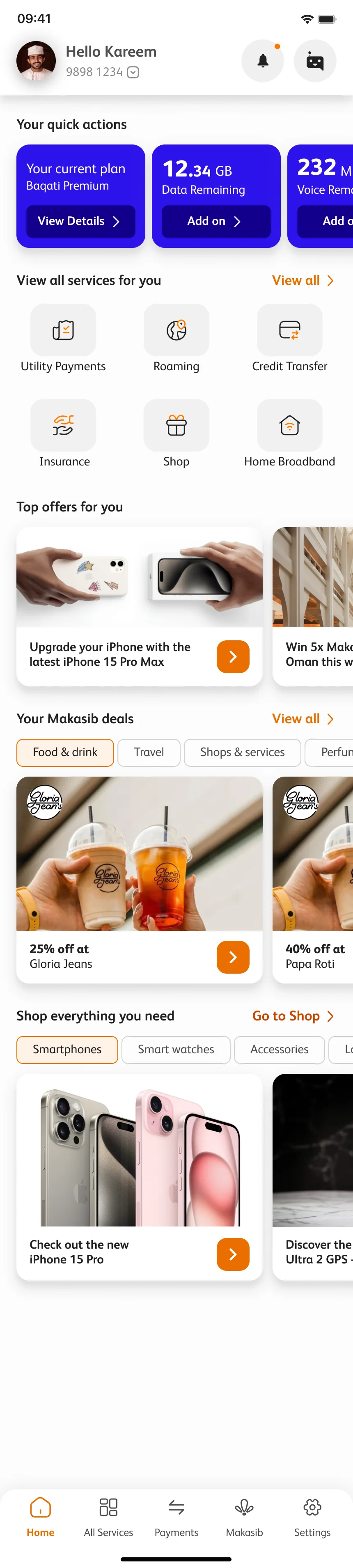
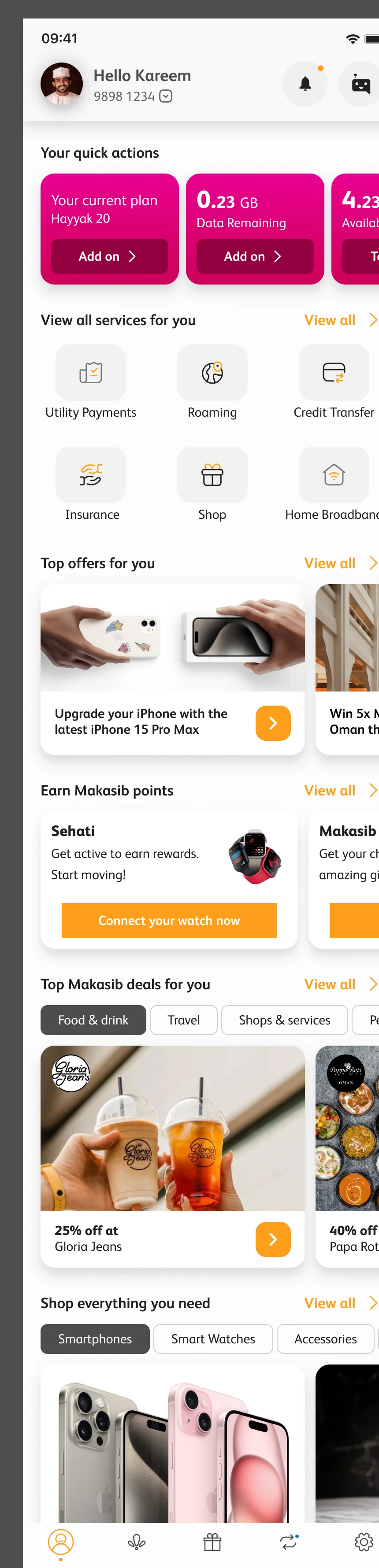
A greeting, the number you are on with a switch for your other lines, and two doors that never move: notifications, and Noor, the assistant.
The answer is the first thing on screen. Plan, data, minutes, a bill, roaming: each card carries the one button that acts on it, and the row scrolls sideways for more.
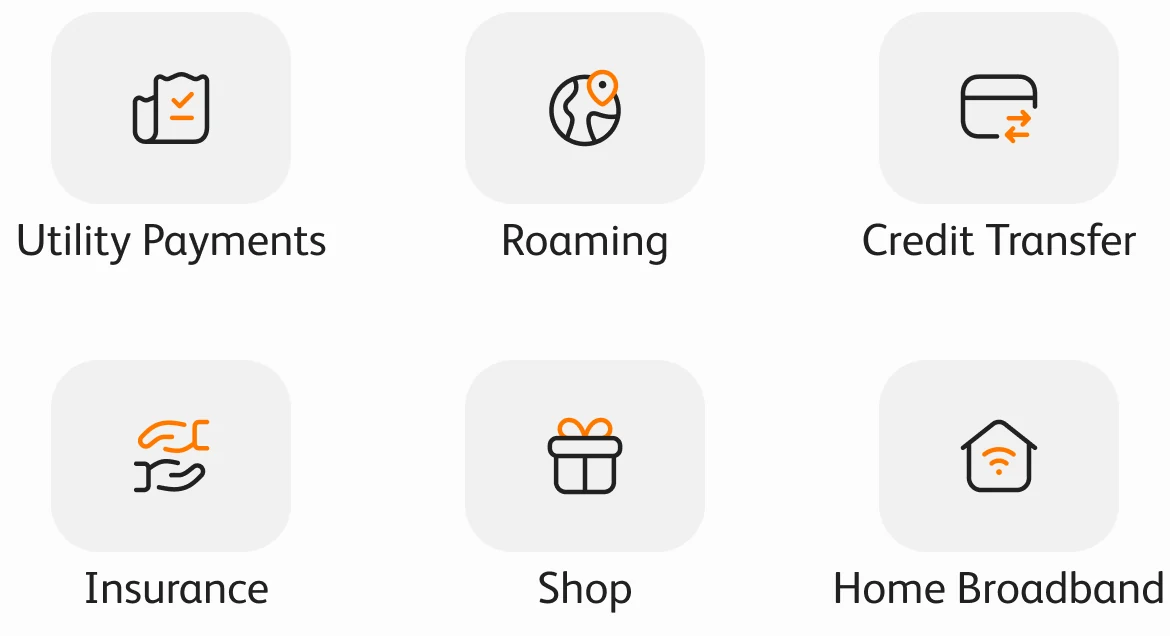
Six services as tiles, each an icon and two words: utility payments, roaming, credit transfer, insurance, shop and home broadband. View all opens the rest.
Offers in a sideways rail. Image first, a line of copy, one orange arrow to act on it.
Makasib rewards, filtered by what you like: food and drink, travel, shops and services, fashion, beauty, gifts and electronics. A logo, the discount, the partner.
Five tabs that stay put on every screen: Home, All services, Payments, Makasib and Settings.
A telco already knows your number, so sign-in leans on it. One field, one code, and the home that opens already knows your plan.
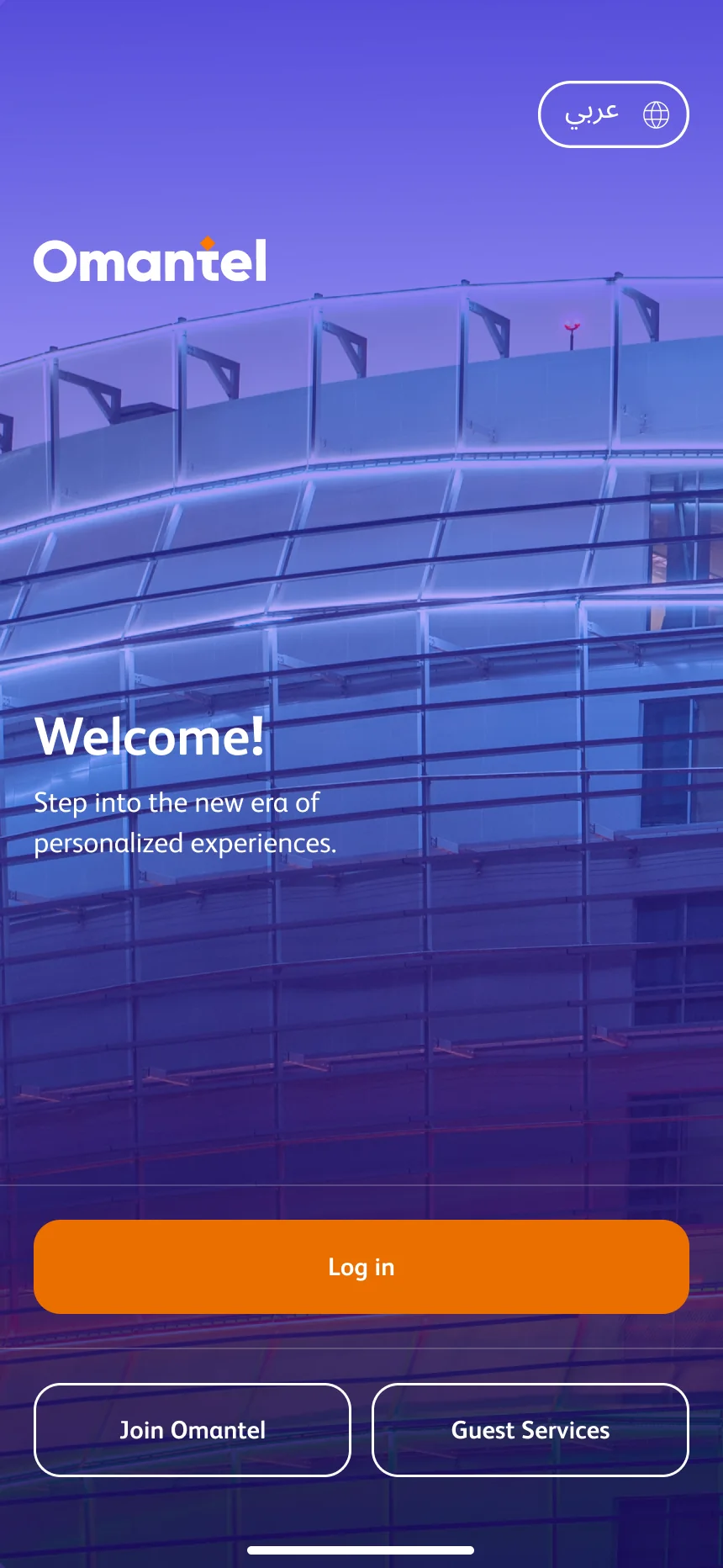
Log in, join Omantel, or use guest services without an account. The Arabic switch is on the first screen, not buried in settings.
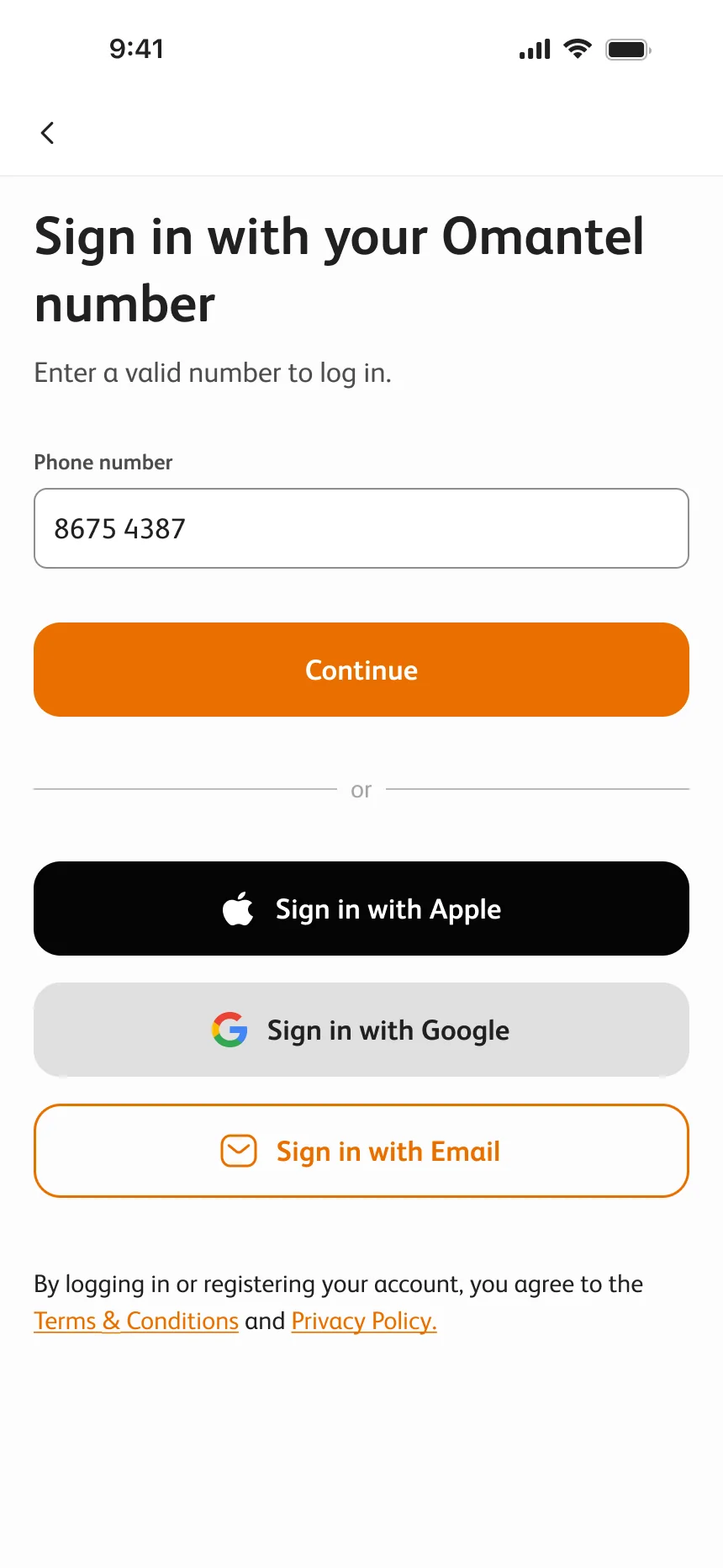
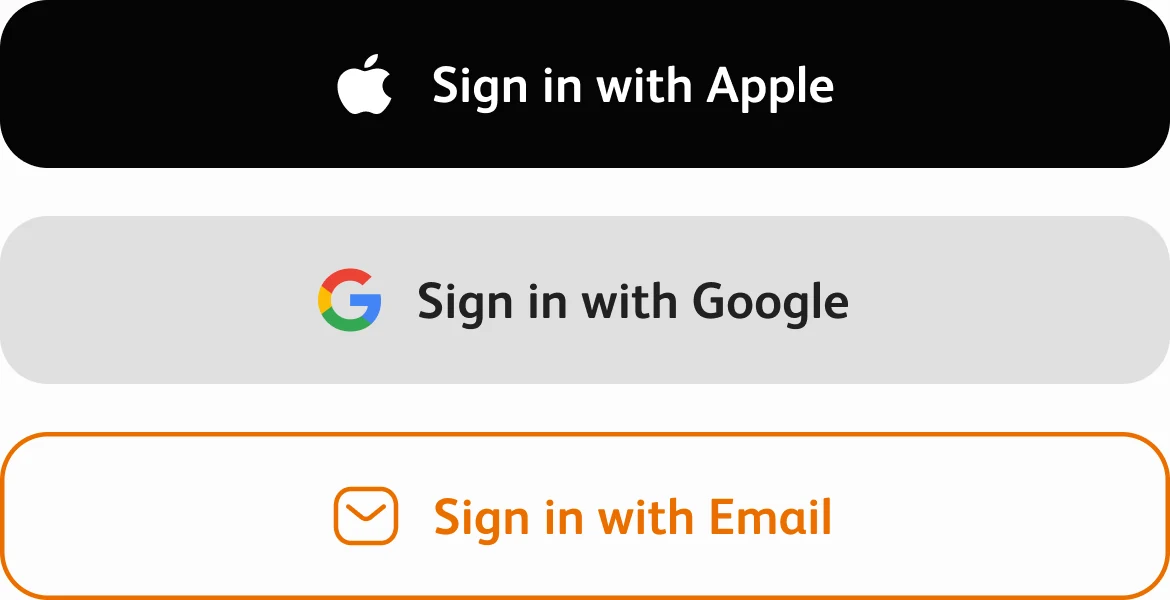
One field: your Omantel number. Apple, Google and email are there for people who would rather use them.
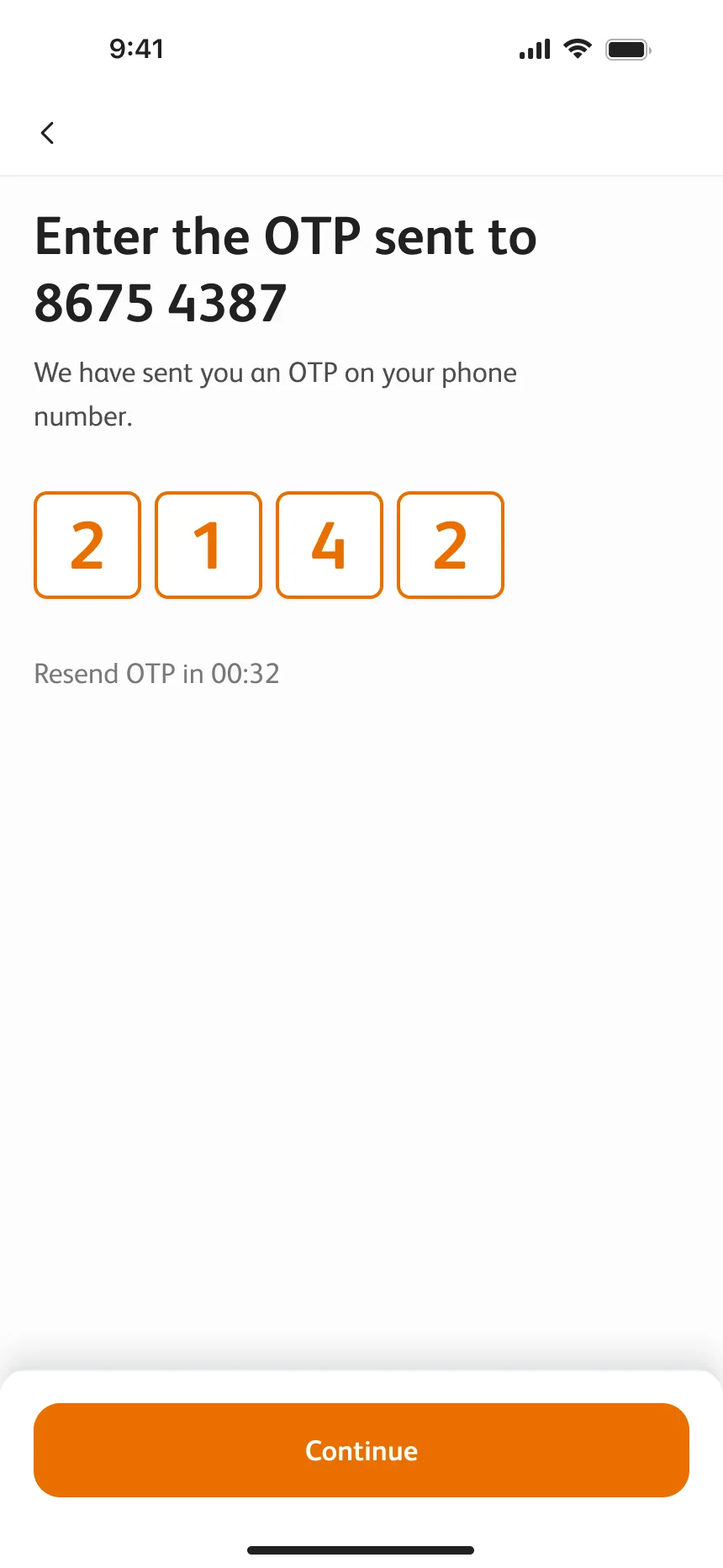
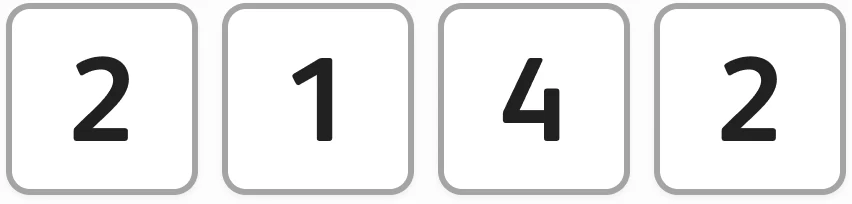
Four boxes for the code sent to the number you typed, a visible resend timer, and Continue pinned to the bottom.
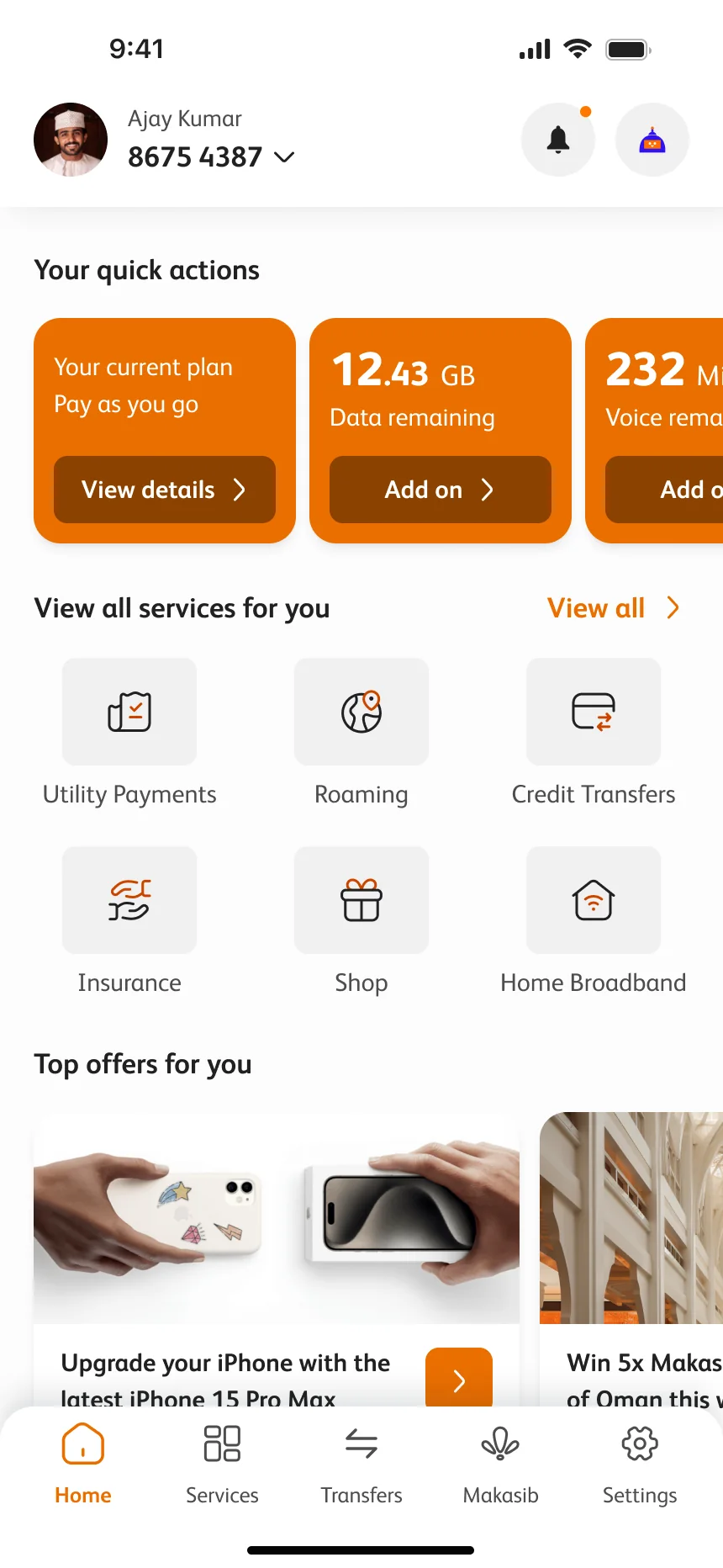
And you land on a home that already knows who you are and what you pay.
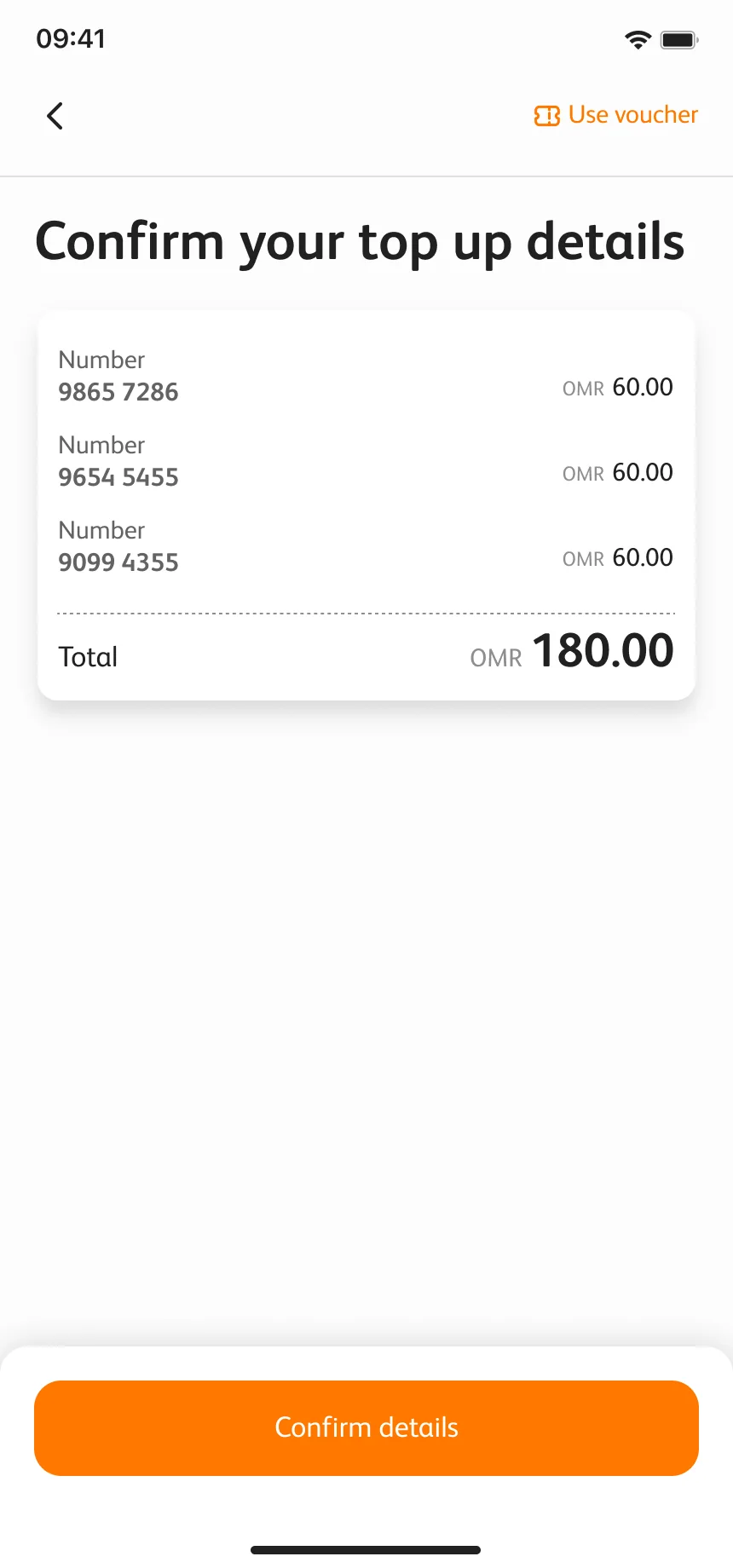
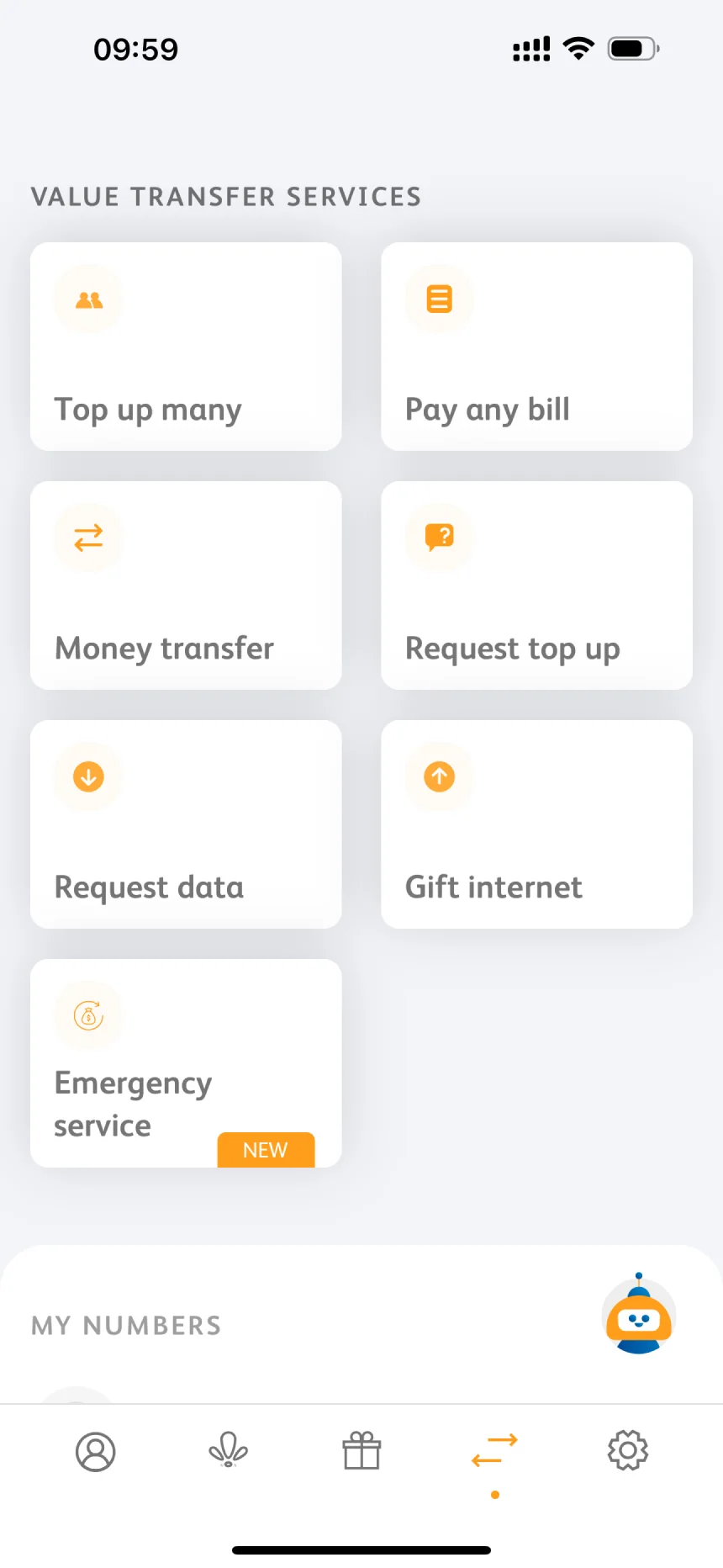
People reach top-up from three places: a quick action on the home screen, the Payments section when they top up several numbers, and the welcome screen without logging in.
The flow map keeps every door, but they all walk the same corridor. The screens, the rules and the errors are learnt once and recognised everywhere.
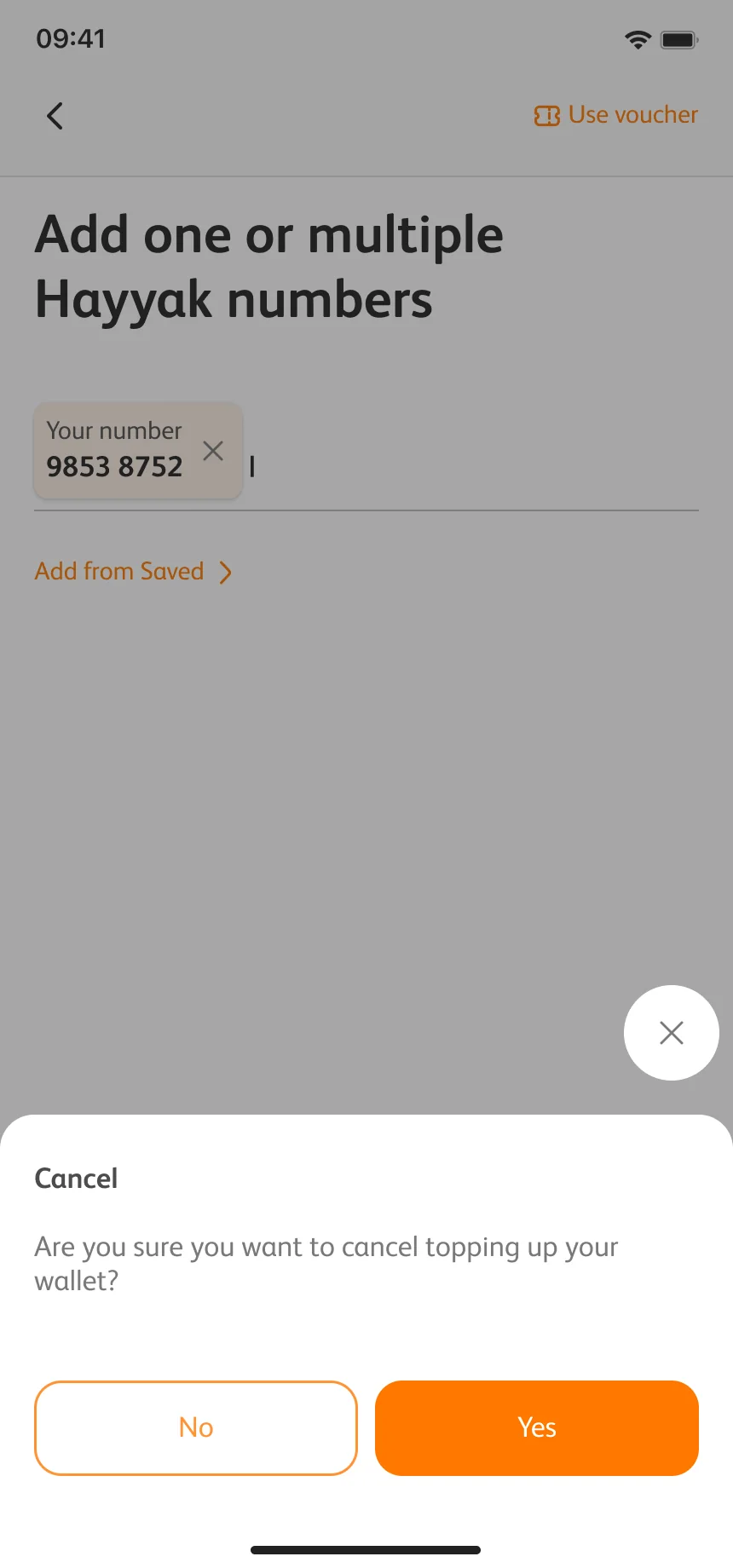
Modal overlay is always #212121 at 70%, in light and dark, on the home page, in top-up and in every new-feature intro.
A rule written on the flow board itself.
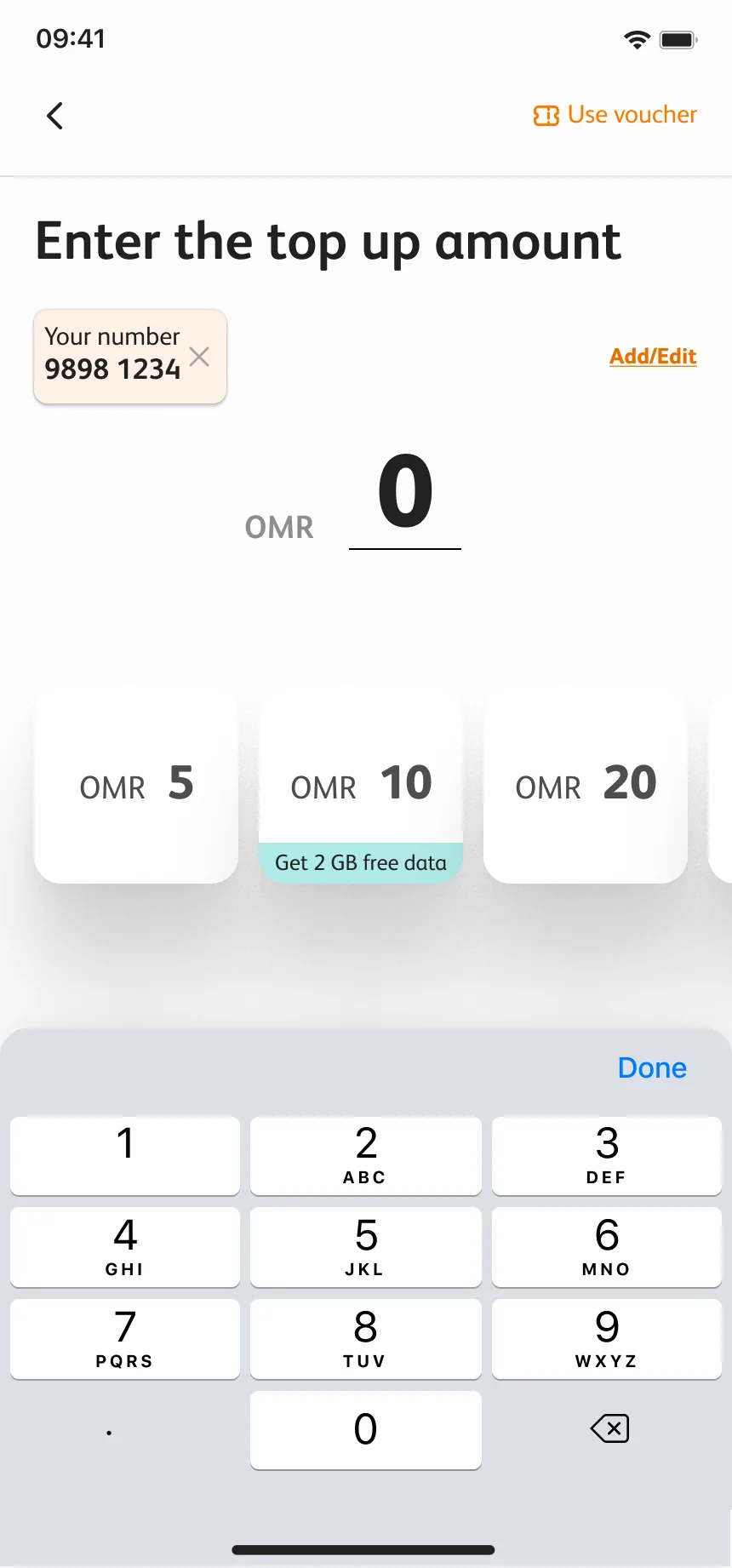
A big number, a keypad and quick amounts.
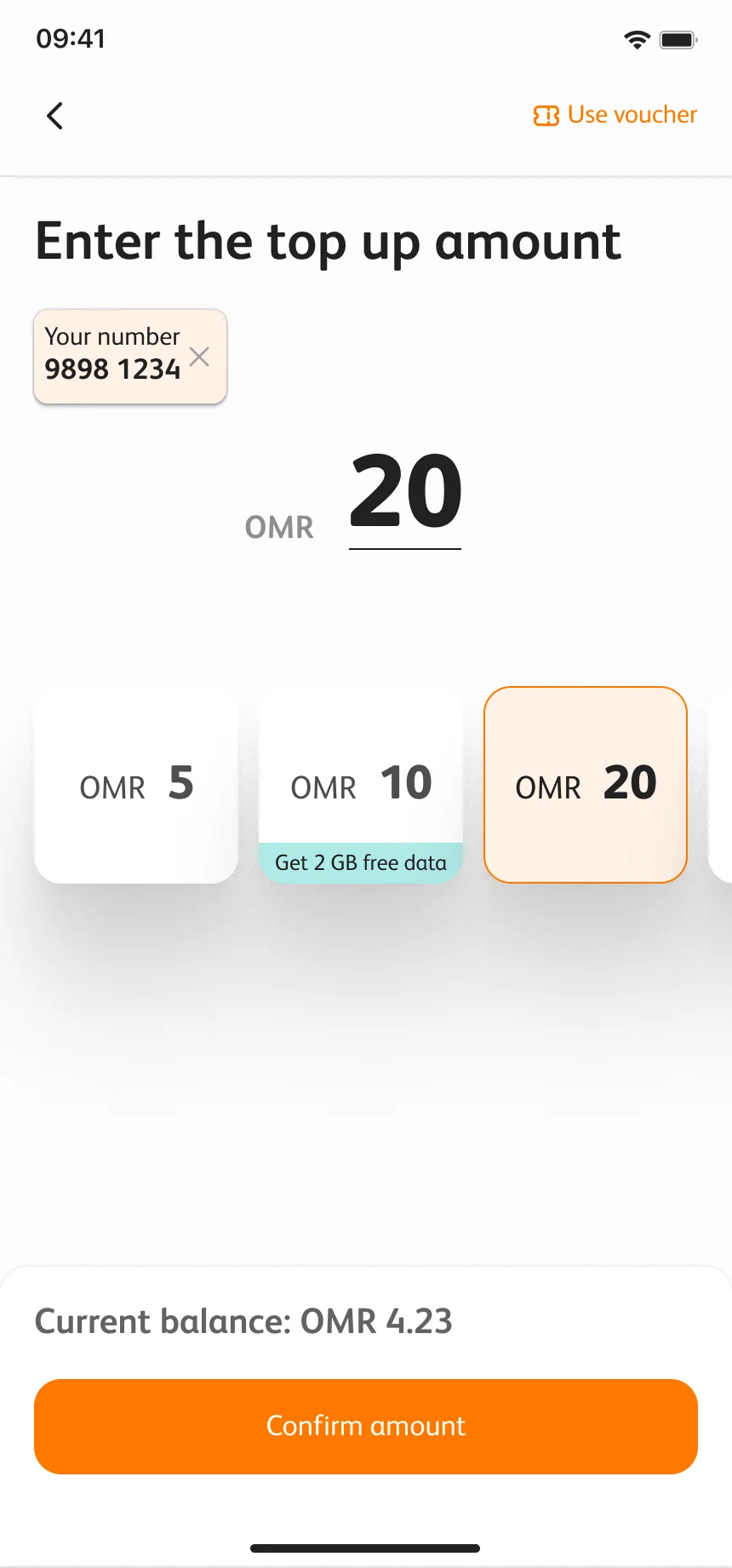
The amount and the balance after it change together, before anything is paid.
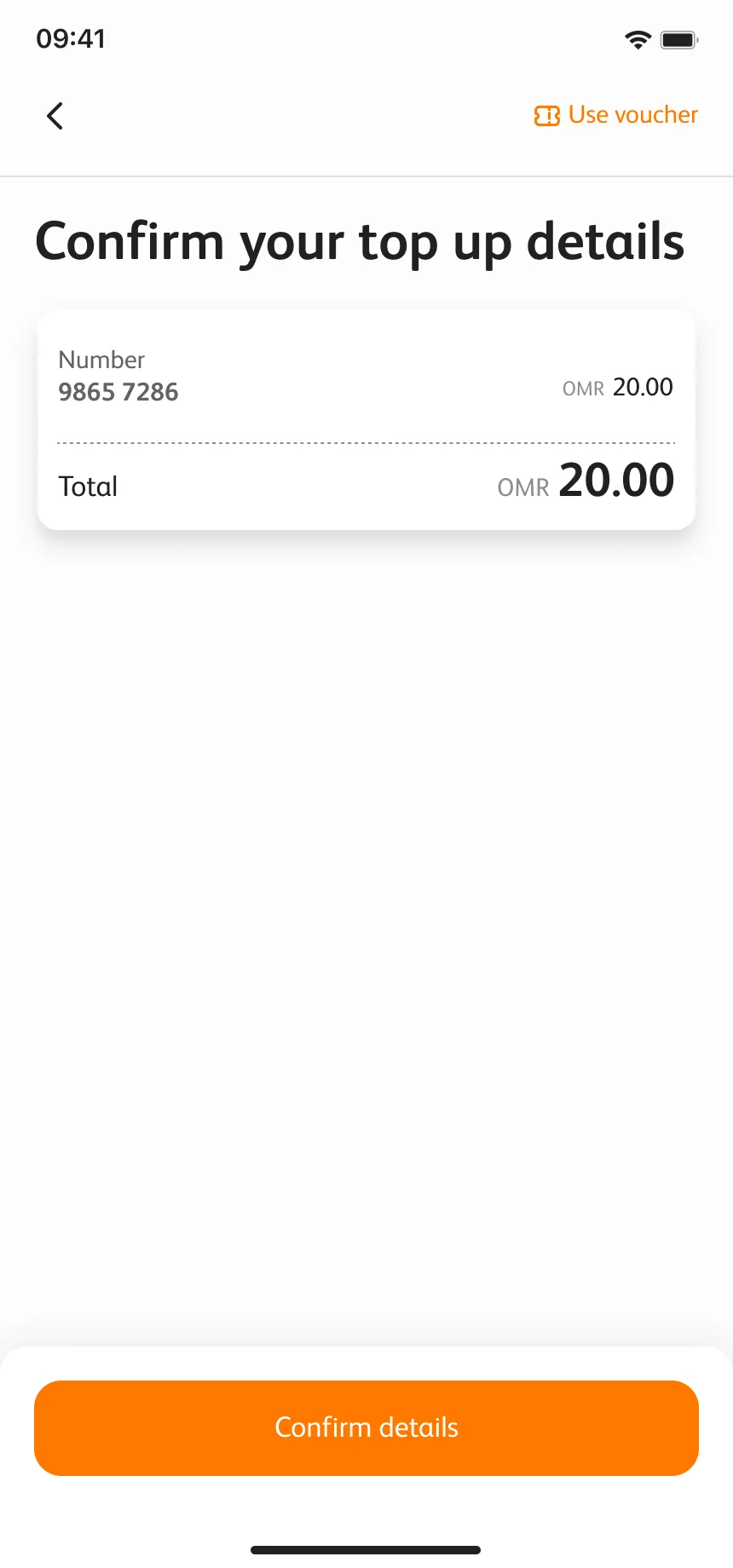
The number, the amount and the total, on one screen, before money moves.
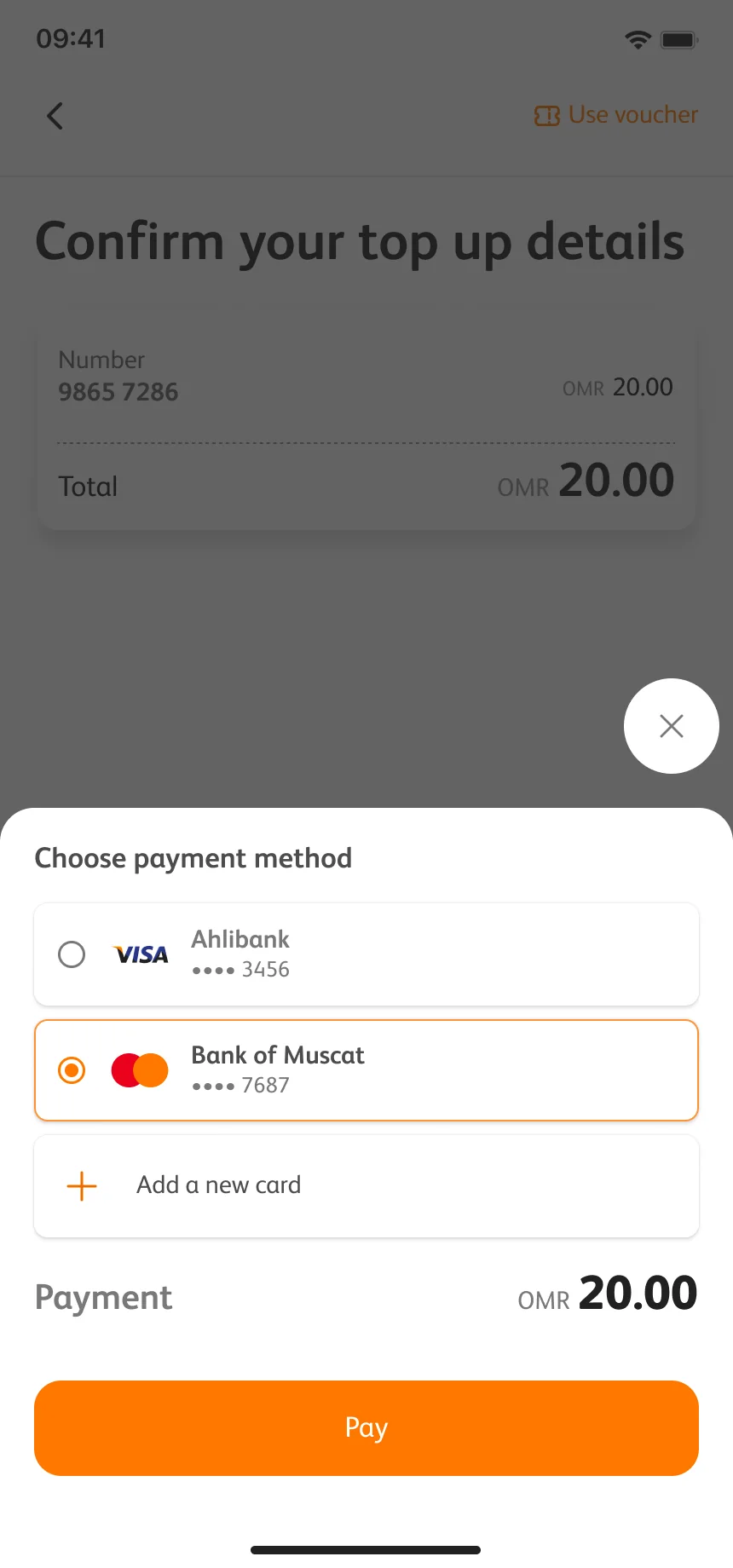
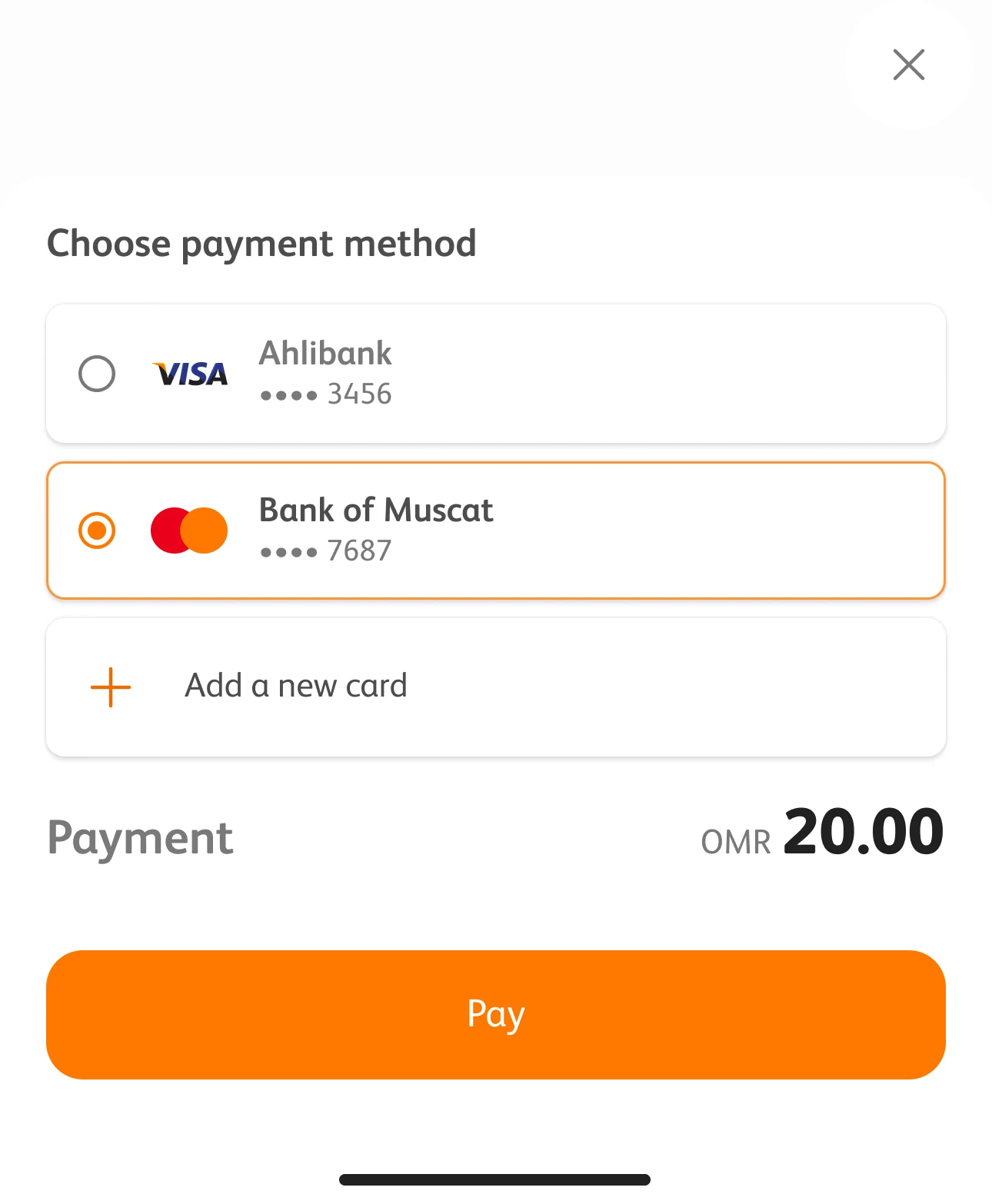
Saved cards or a new one, in a bottom sheet over the overlay.
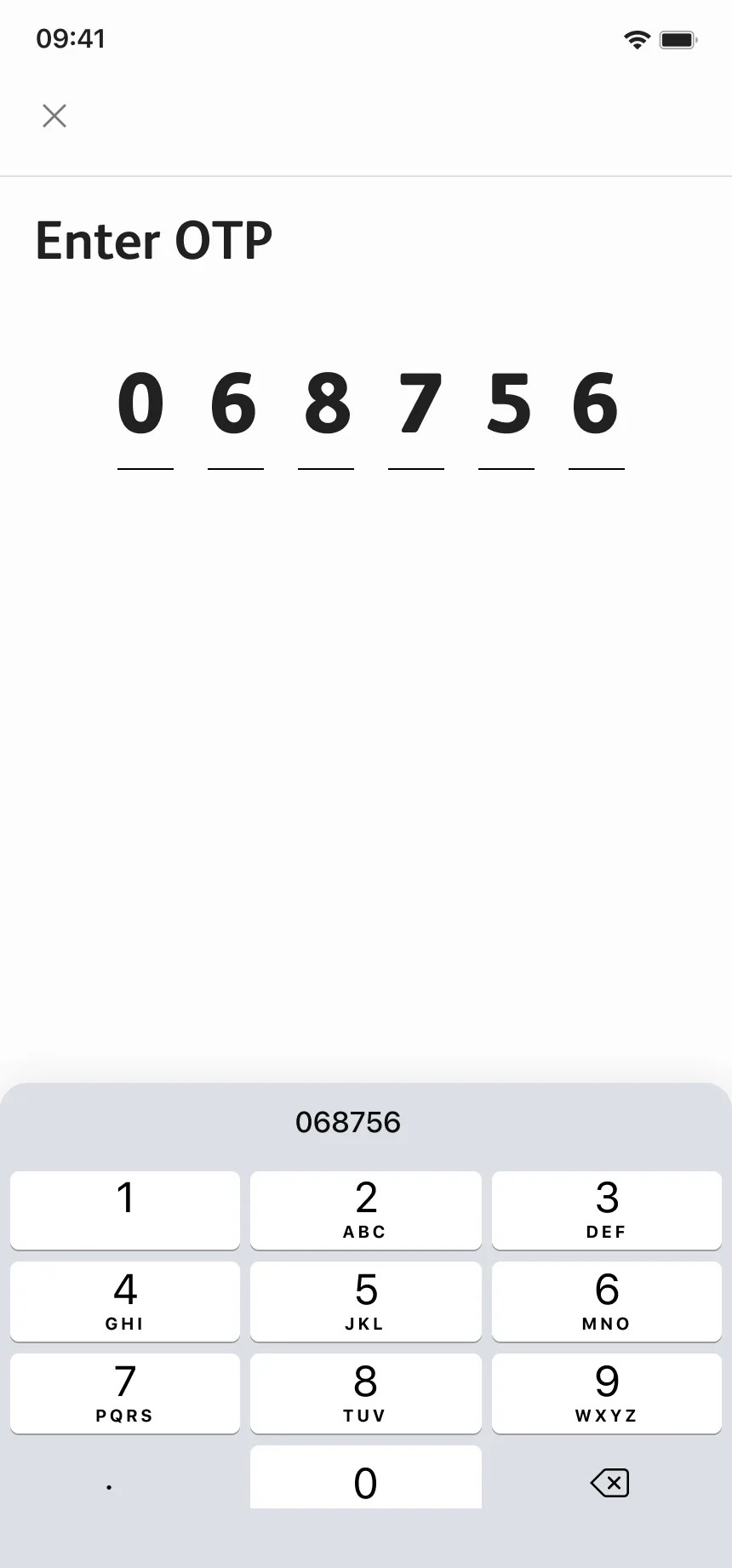
The bank asks for its own code, in the same visual language.
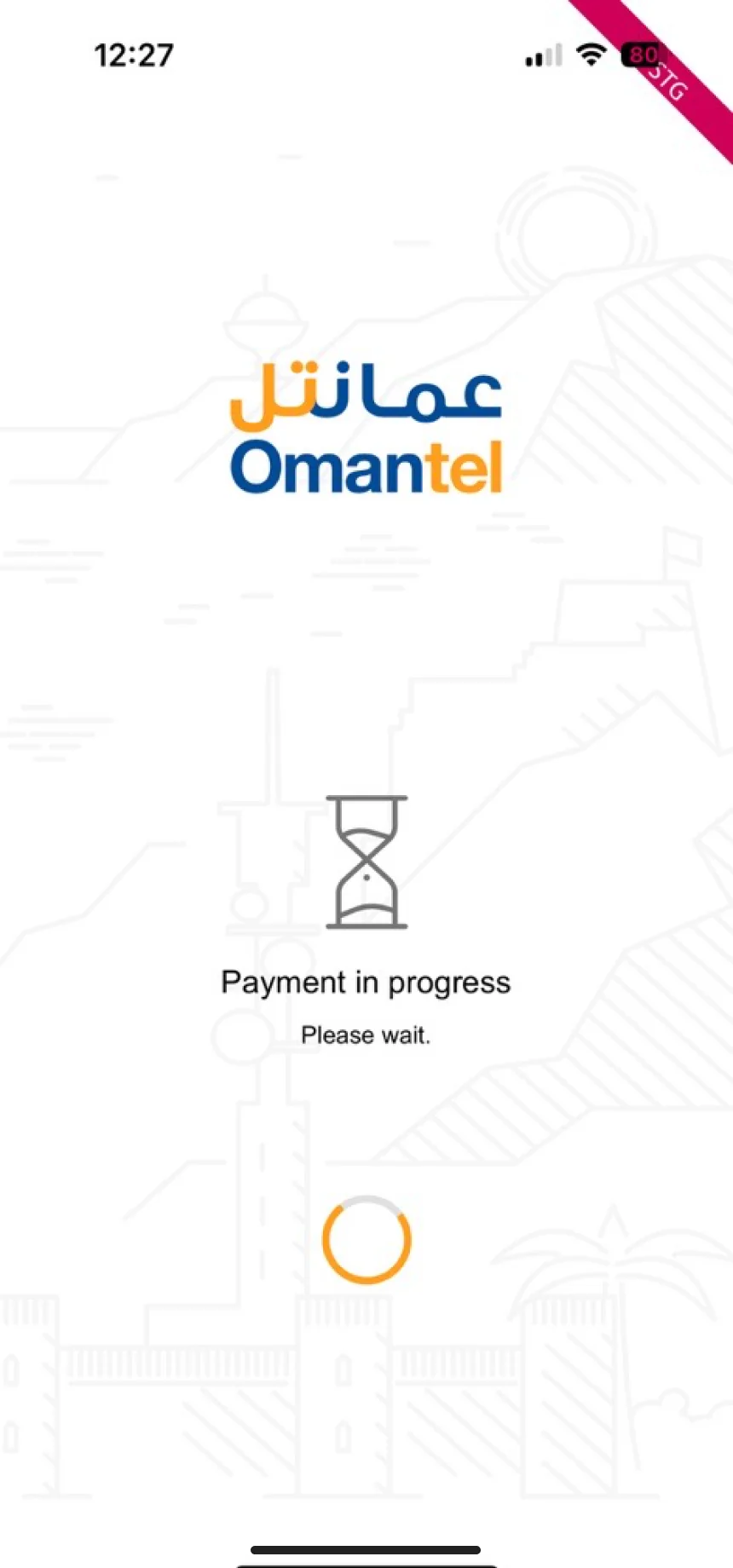
While the payment clears, the wait looks like Omantel, not like a bank.
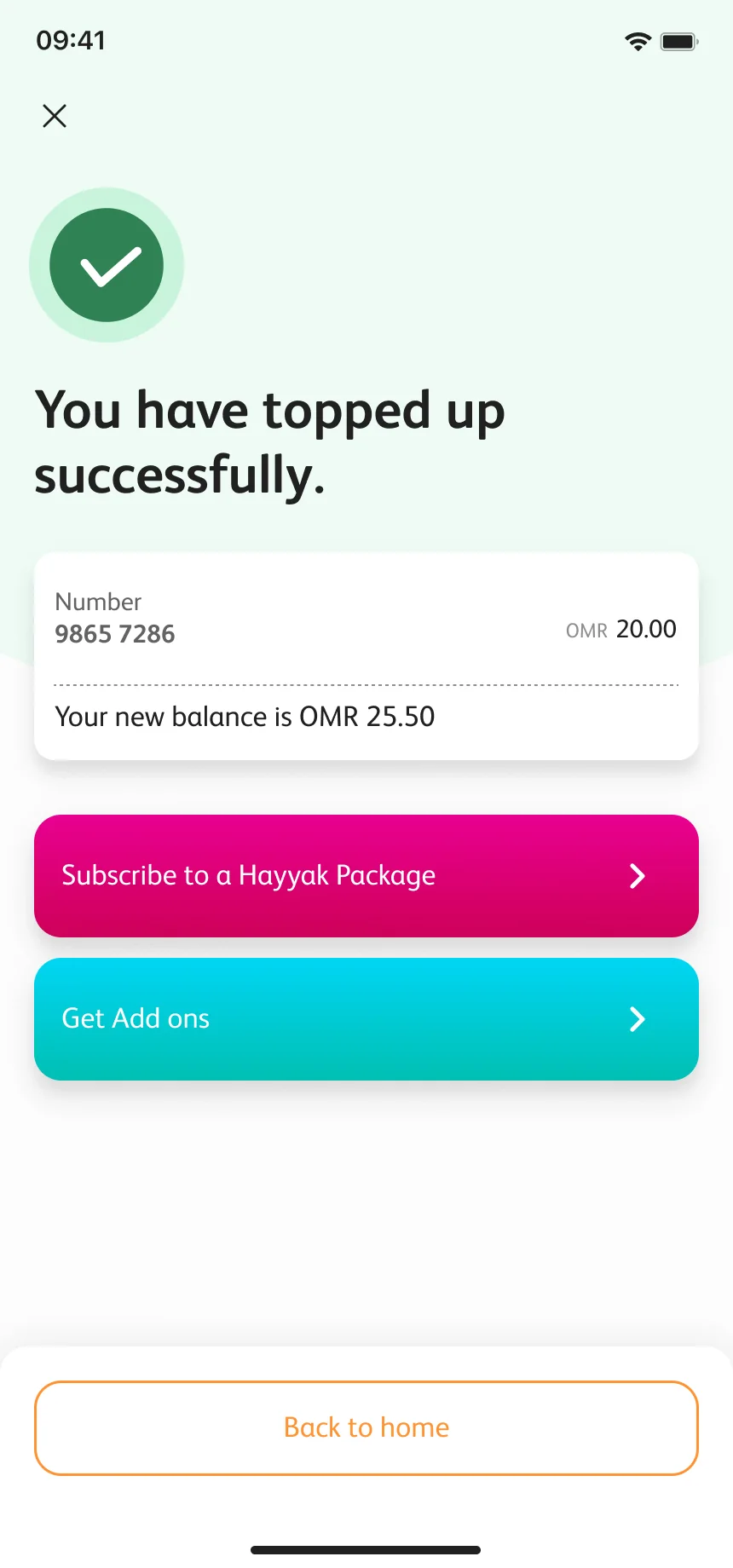
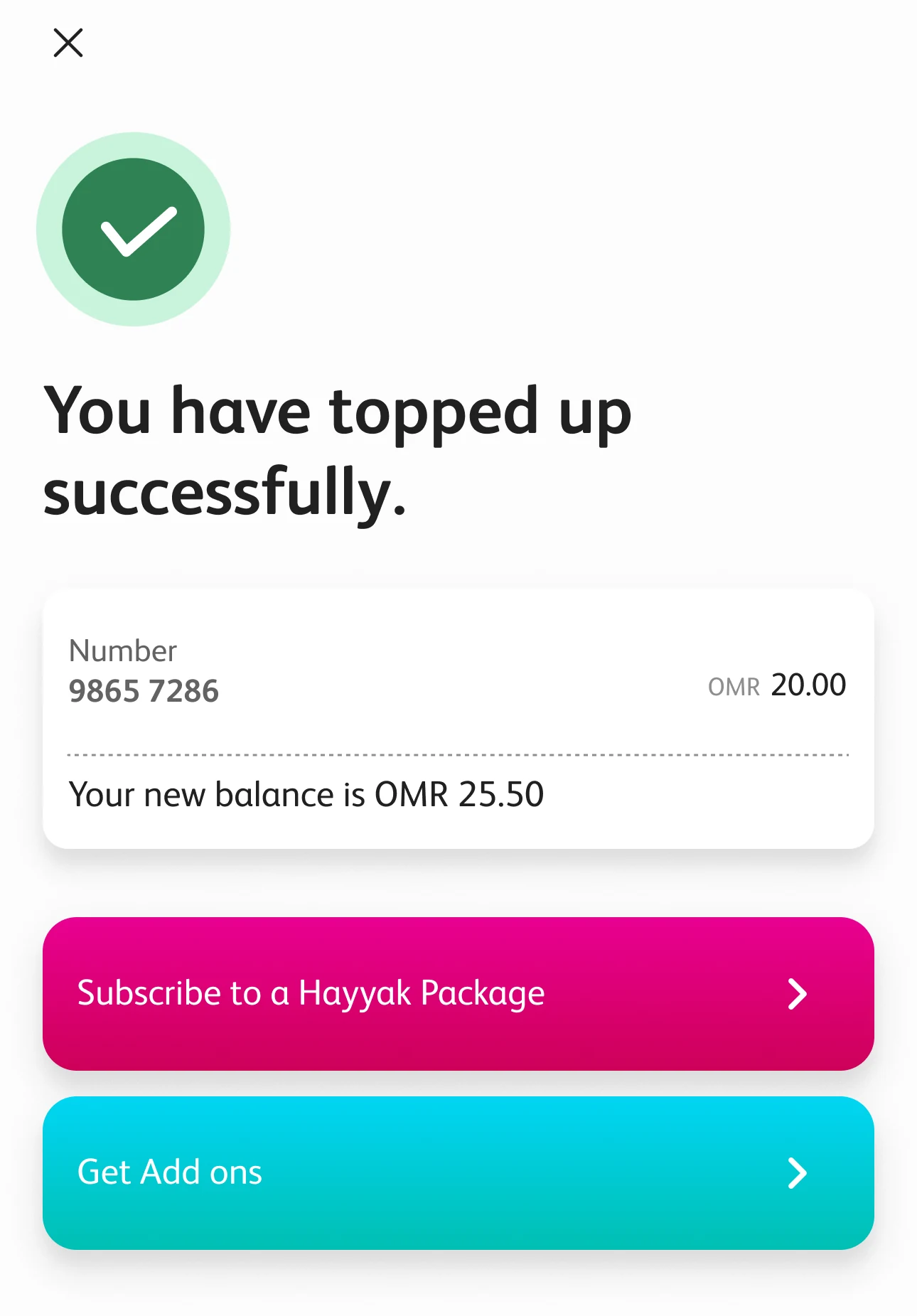
The new balance, and what you might want to do next.
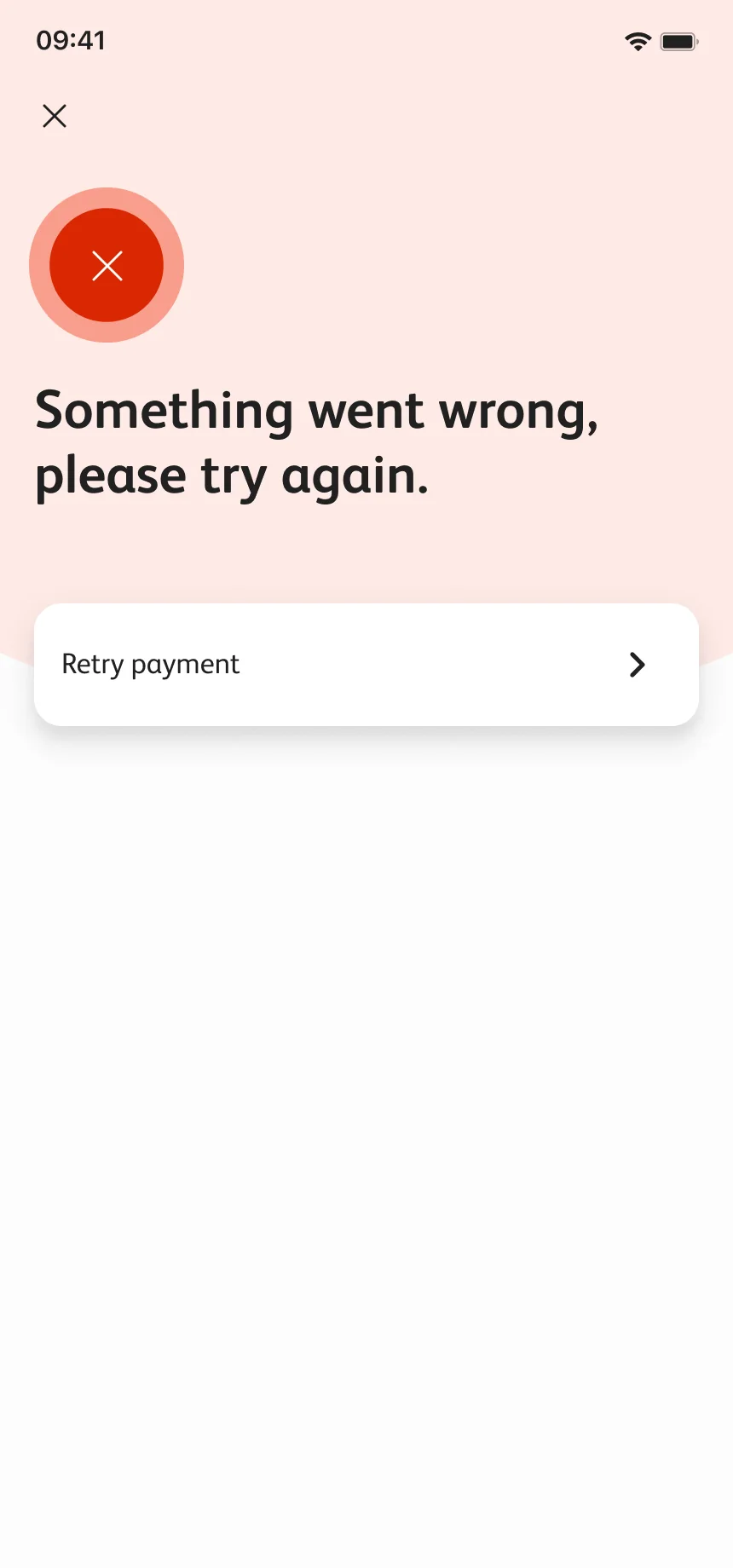
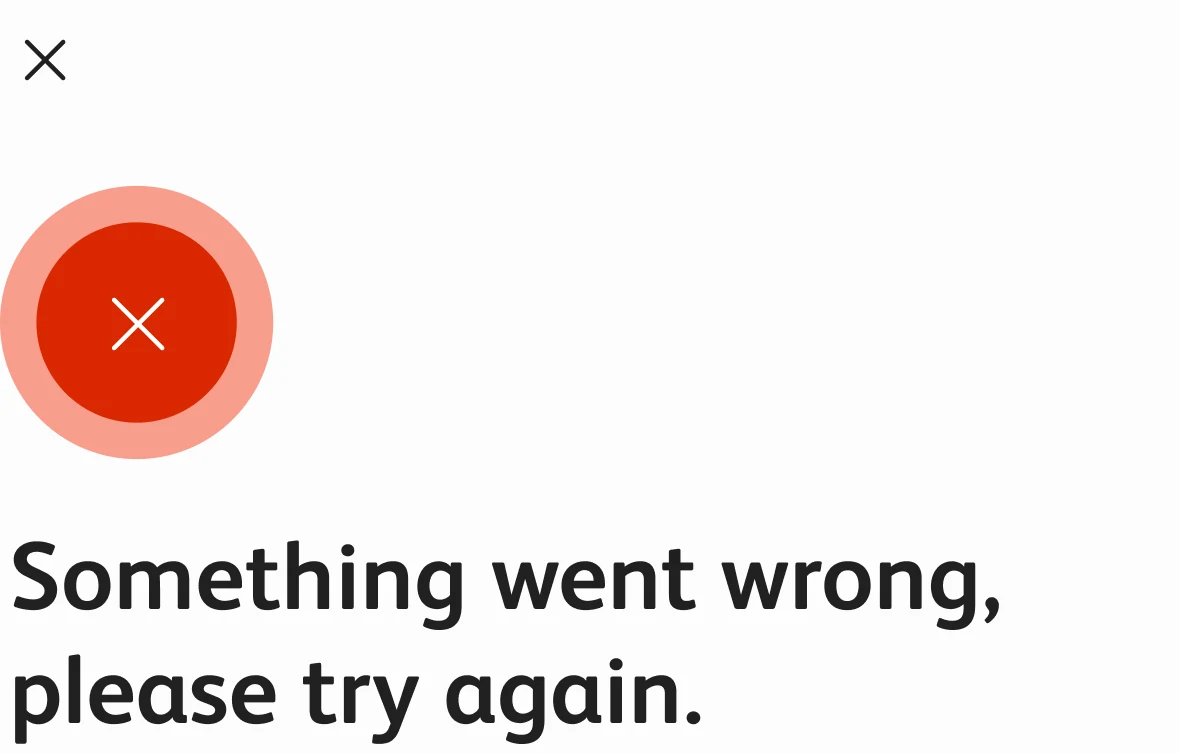
When it fails it says so plainly and offers a way back.
Every branch rejoins the corridor. These are the screens that get people there.
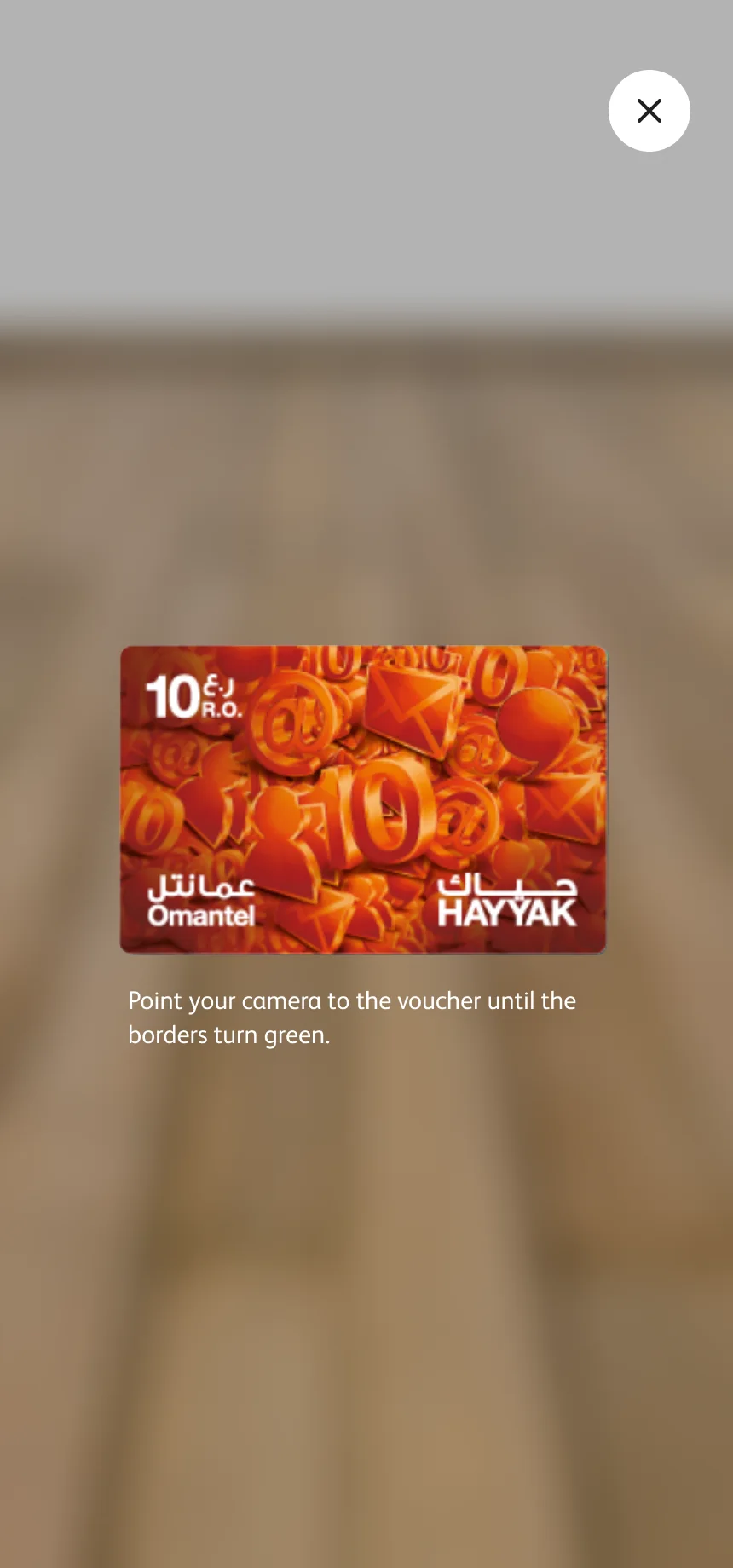
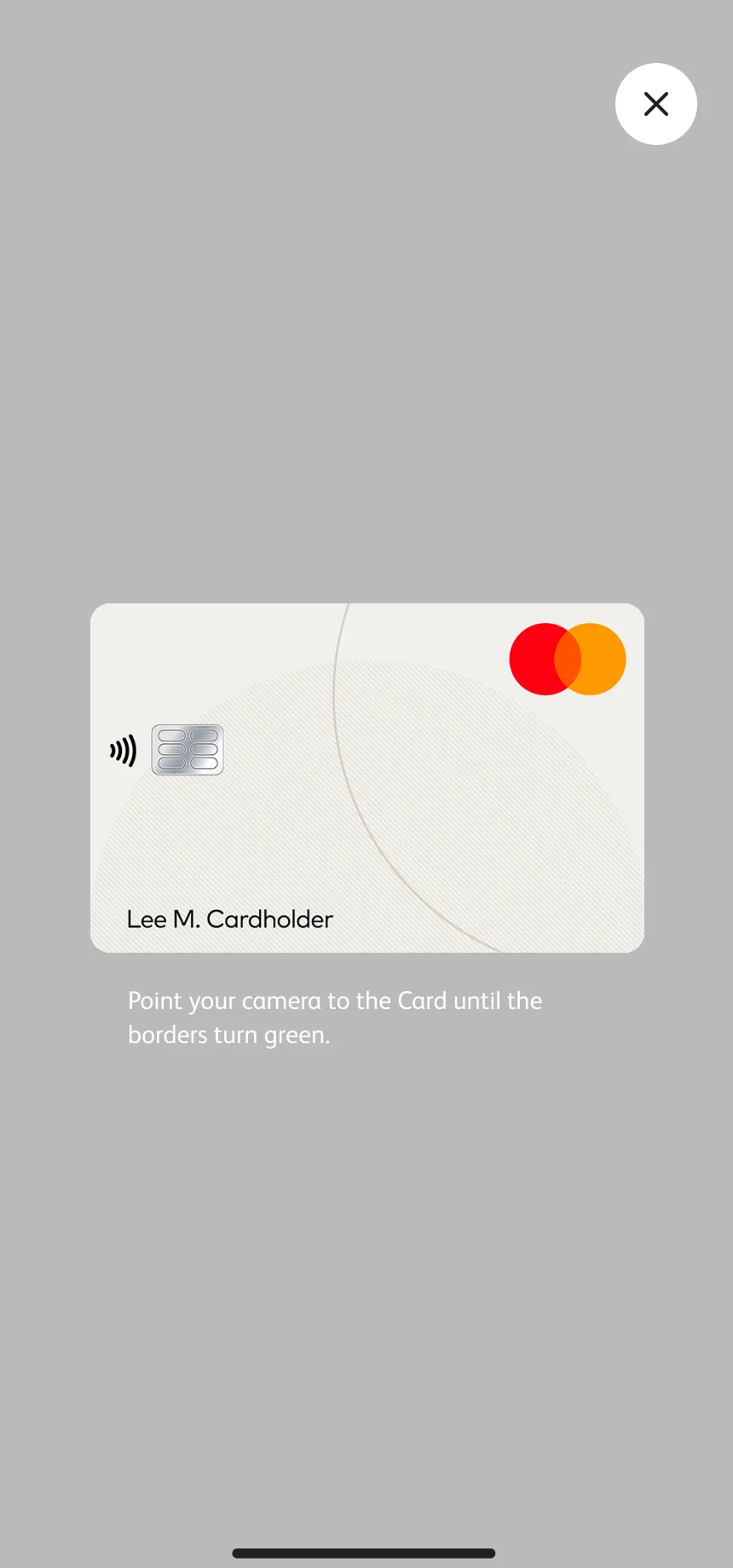
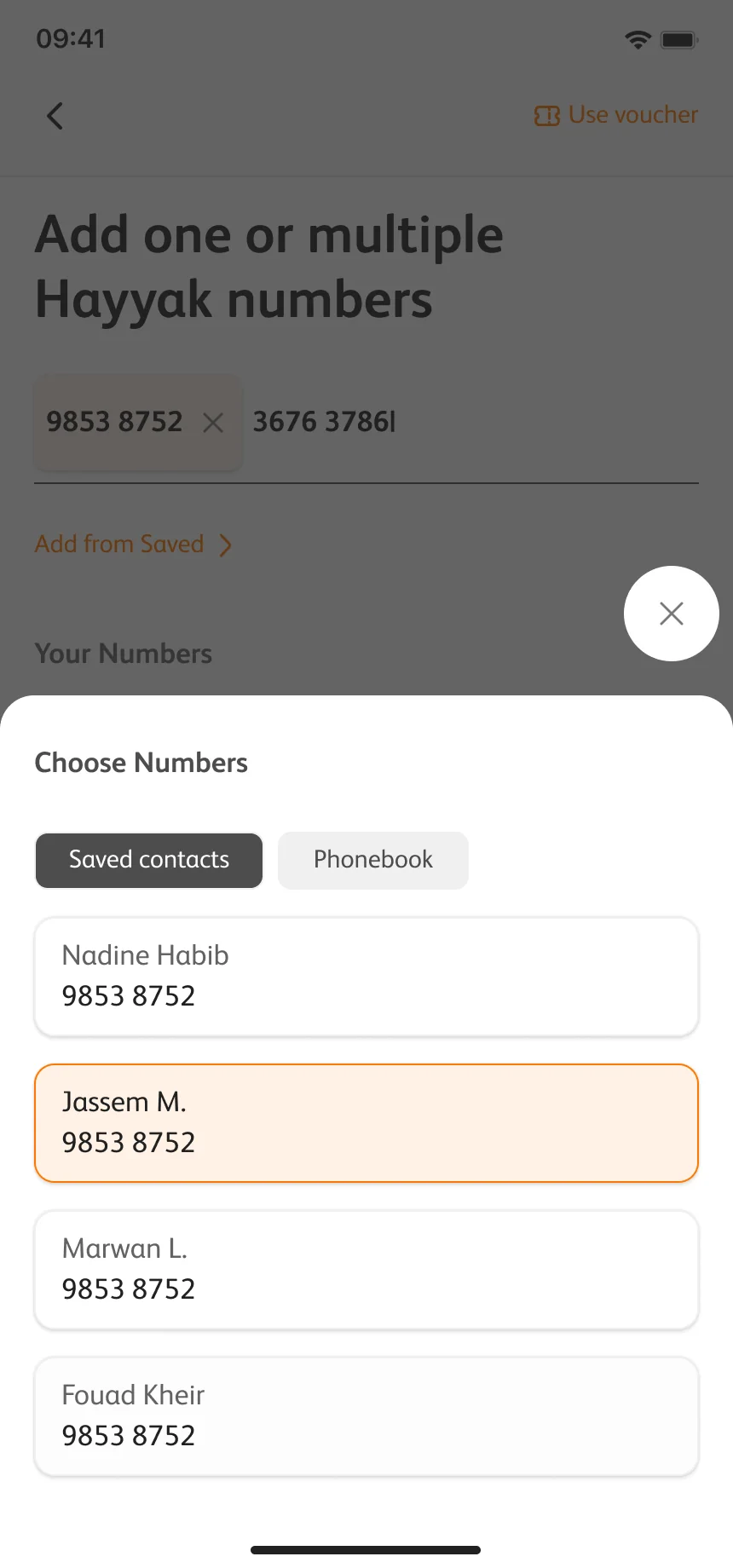
The palette lives as tokens: six ramps of ten steps. Orange is for action, blue is the brand, and cyan, yellow, violet and green carry meaning. Every swatch is published with its contrast against white and black, so nobody has to guess whether text can sit on it.
The values are the tokens from the design system; the contrast ratings are computed on this page.
The tab group is a typical atom of the system: three levels, auto or fixed width, selected or not, and four states each, with documentation that says when to use which. The one below is rebuilt from the tokens. Try it.
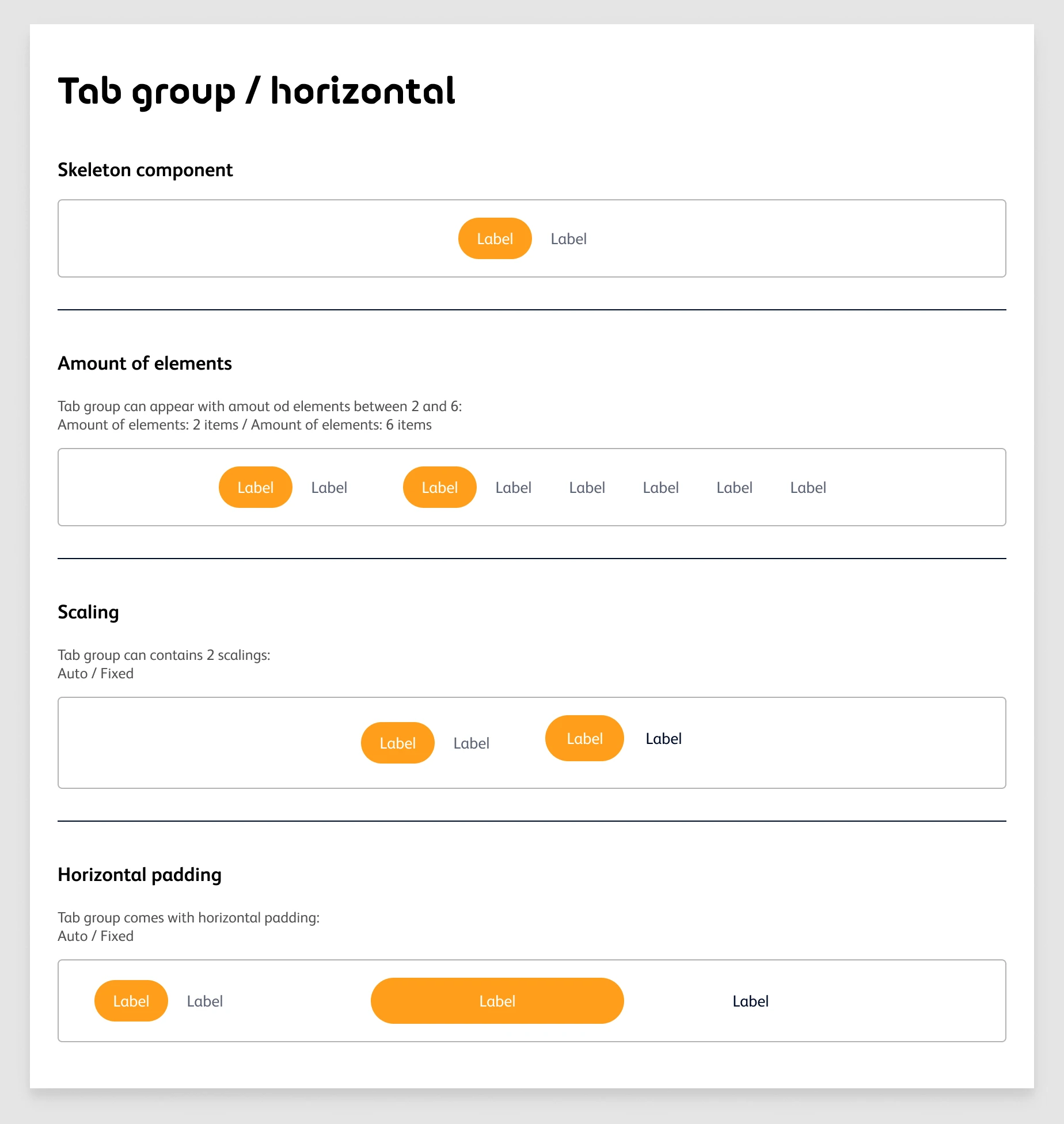
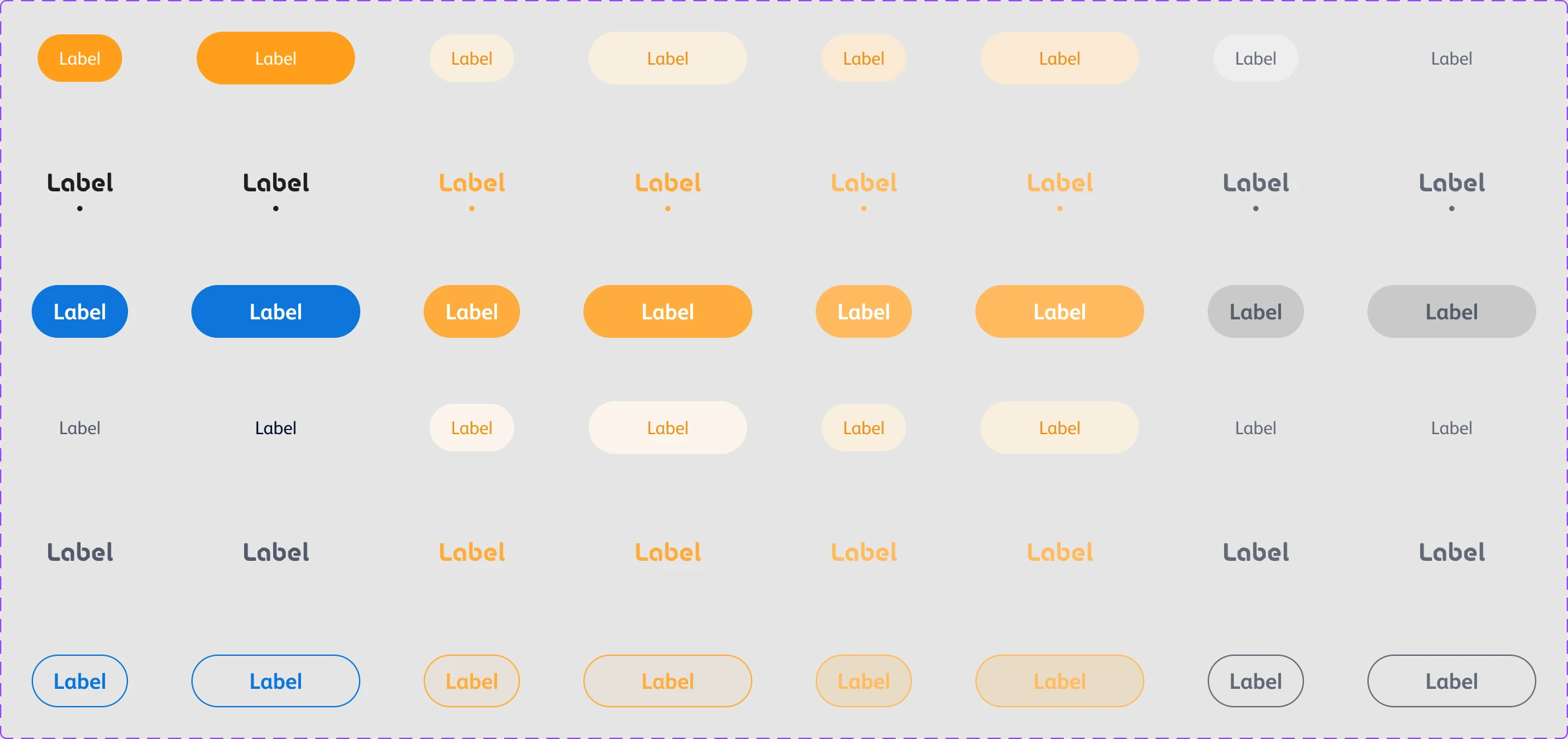
Tab group / Horizontal — Auto
Default · Hover · Pressed · Disabled — hover and press the tabs to see them.

A super app fails when it turns into a directory. This one stays useful because every section is a job, every tier gets its own first row, and every flow, however many doors it has, walks the same corridor.
The design system is what lets that hold at this scale: colours that carry their contrast with them, and components that arrive with their states and their rules already decided.
Ahmed Mowgoud — UI design, UX flows & design system
Publicis Sapient — agency
Omantel — client


